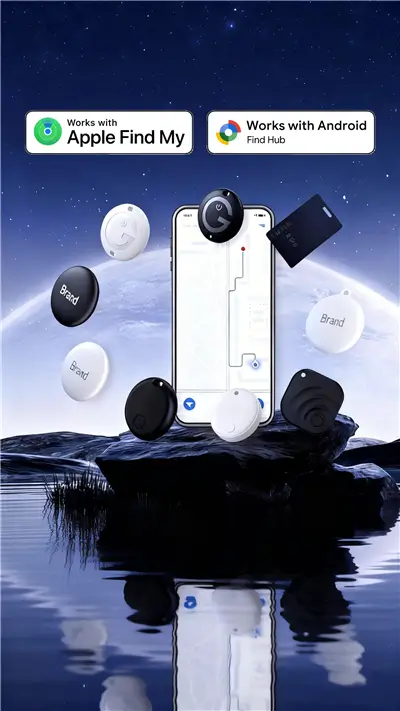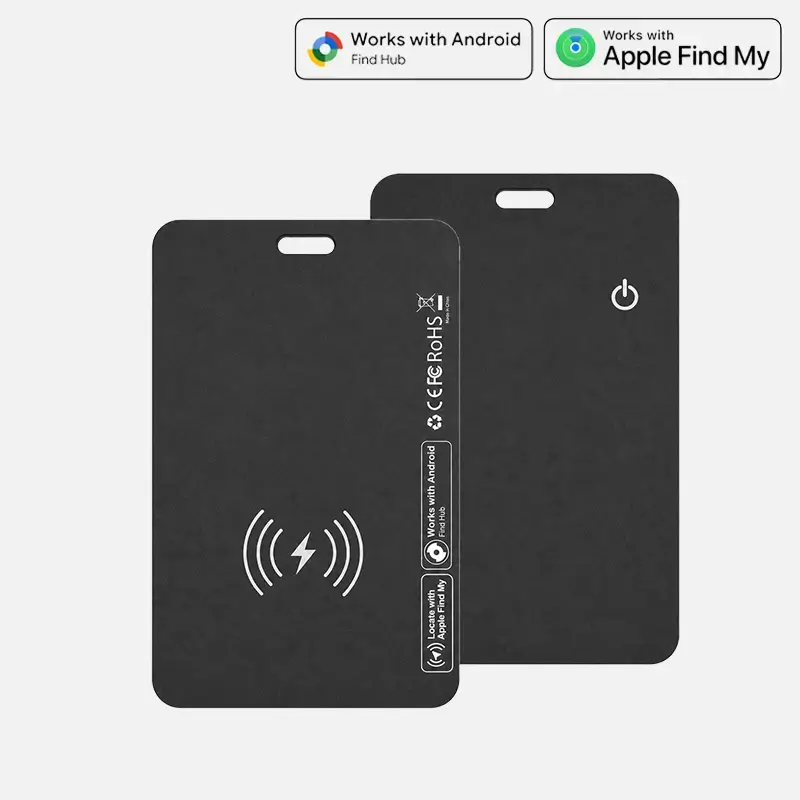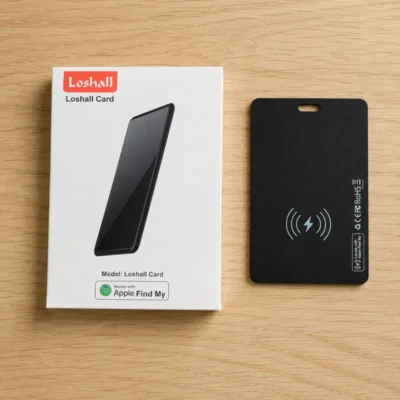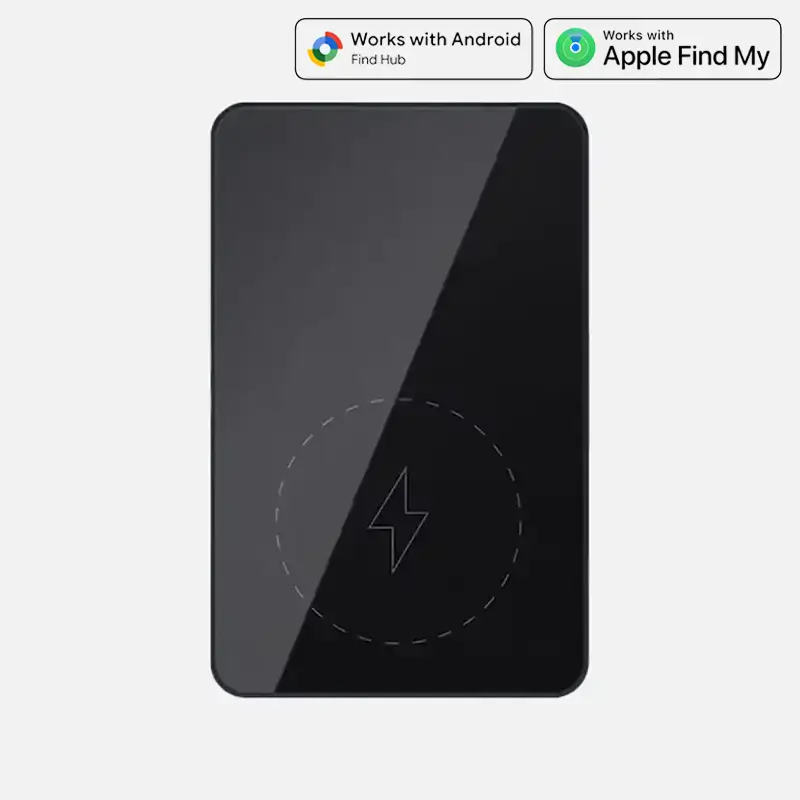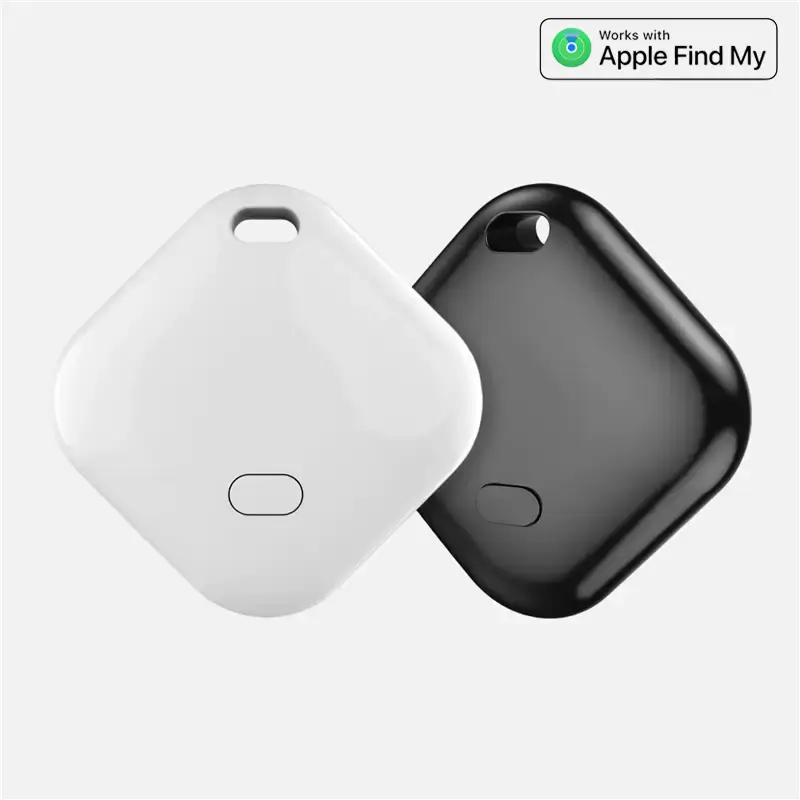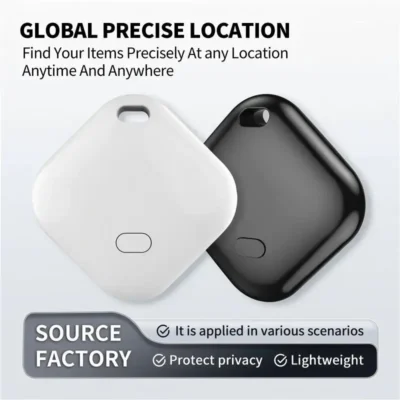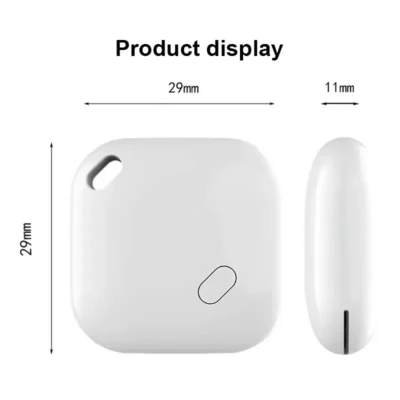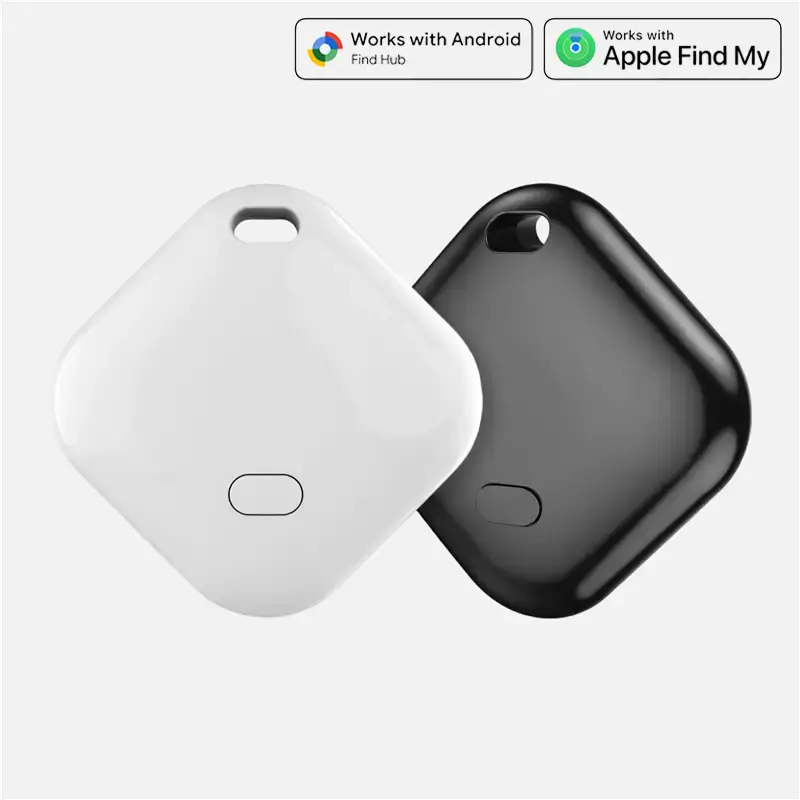
Whether it’s keys lost under the couch cushions or a wallet left behind at a restaurant, smart trackers that support the Apple Find My network can help you easily retrieve your belongings.
1. Play Sound (One-Tap Finding)
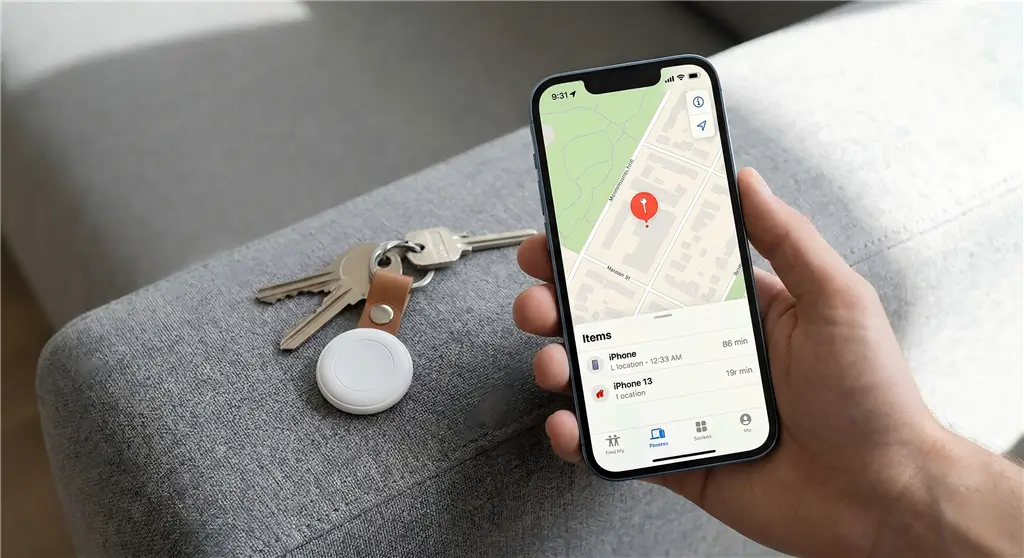
Attach the tracker to your everyday items and open the native Apple “Find My” app to check their real-time location. When nearby, you can use the app or simply say, “Hey Siri, where is my wallet?” to trigger a loud beep from the tracker’s built-in speaker, guiding you right to it.
2. Offline Tracking Magic (Global Apple Device Relay)
No SIM card or GPS required. The tracker continuously emits a secure Bluetooth signal. Any nearby Apple device (iPhone, iPad, Mac) within the Find My network that detects this signal will anonymously and securely upload its location to your iCloud map.
The entire process is highly power-efficient, consumes zero cellular data, and guarantees absolute privacy.
3. Lost Mode & NFC Return
If your item is completely lost, you can enable “Lost Mode” in the app. The moment any of the hundreds of millions of Apple devices globally catches its signal, you will instantly receive a location update.
Furthermore, whoever finds your item can simply tap the tracker with any NFC-enabled smartphone to view the contact information you left for them.
4. Seamless Setup (One-Tap Pop-Up Connection)
There is no need to download clunky third-party apps. Simply bring the tracker close to your iPhone or iPad, and a connection pop-up will automatically appear on your screen for instant, one-tap pairing.
You can customize the item’s name (like “My Keys”) and even get “Left Behind” notifications directly on your Apple Watch.